Just between us.
Video calls that not even our server can listen in on. Right in the browser, no account, no app.
- Always end-to-end encrypted
- Free, no time limit
- Hosted in Germany
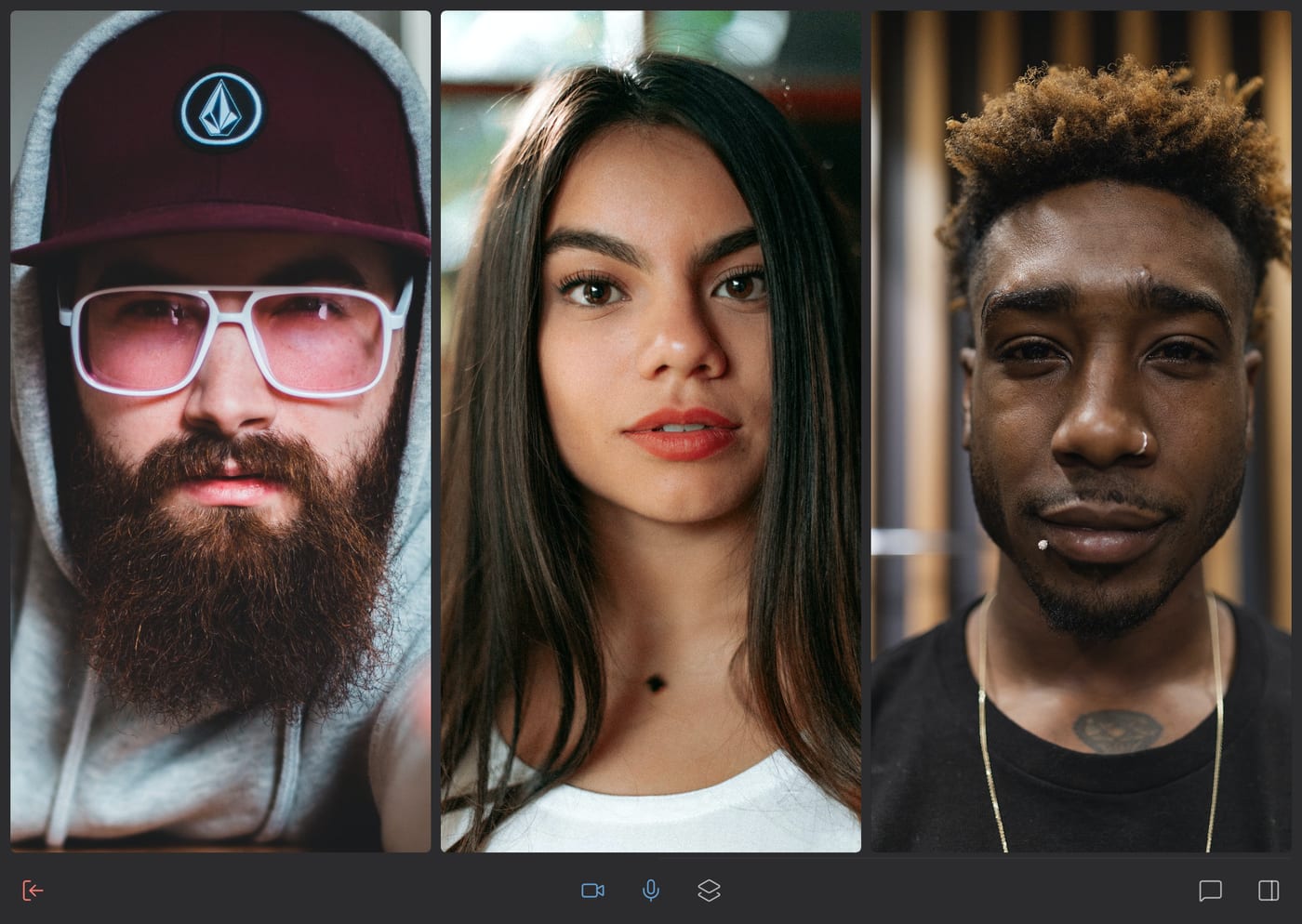
Why it stays between us
End-to-end encrypted, always
The key is part of the room link and never reaches the server. It only brokers the connection, it cannot listen in.
Nothing is stored
Video, audio, chat and files exist only in your browsers, and only while the call lasts.
No account, no app
Share the link, open it in the browser, start talking. No tracking, no advertising.
Built differently
Most video services send everybody's video through a central server that could decrypt it. Whether it does is a matter of trust. Briefing connects you directly. The server only helps you find each other, and if it fails, your call keeps going.
Safety codes of six symbols show whether someone sits in between, even someone who controls the server. Reading them out loud is enough.
How Briefing works →
Made for conversations that matter
Counseling, coaching, therapy
Your clients join with a link. No account for them, no recording on our server.
Law and tax advice
Confidential because of how it is built, not because someone promises it. Hosted in Germany.
Journalism and NGOs
No account that ties a source to a call. Run it on your own server if you like.
Teaching and courses
Tutoring, language courses, workshops. Slides, whiteboard and captions, no account for learners.
Podcast and interview
Guests by link, one audio track per person for editing. Recorded only on your side.
Family, friends, small teams
Grandma clicks the link and is in. No sign-up, no time limit, movie night included.
Everything a good conversation needs
Chat and files
Messages, photos and files of any size, straight from browser to browser.
Share your screen
Several at once, with sound in Chrome and Edge.
Present slides
Share a PDF or Markdown and everybody sees the same slide. With presenter view and clicker.
Laser pointer
Point at a screen, a slide or a video, or draw a quick circle around it.
Whiteboard and notes
Draw and write together, every document in a tile of its own.
Watch together
Play, pause and seek for everyone. Nothing is uploaded.
Record
Sound, picture or one track per person, saved on your own device. Everybody sees that you record.
Captions and transcript
Live captions and notes, translated if you like. Recognized in your browser, no cloud AI listens in.
Moderated rooms
Moderators, presenters and viewers. Roles that not even the server can forge.
Timer and breaks
A shared countdown for timeboxes and coffee breaks.
Blur your background
Or replace it with a picture of your own. Computed in your browser.
Invite by QR code
Hold up the phone, scan, done. Or share the link in any messenger.
Subscribe to rooms
Whoever enters the room can notify all subscribers with one click.
Your look
Light or dark, your own accent color, your own profile picture.
Leaves nothing behind
On a borrowed device Briefing remembers nothing. On your own you delete everything with one click.
Runs everywhere
Computer, tablet and phone, installable as an app, in 17 languages.
Briefing compared
The big services are built for large organizations. Briefing is built for conversations that should stay private.
| Briefing | Zoom | Google Meet | Teams | Jitsi Meet | |
|---|---|---|---|---|---|
| Start without an account | |||||
| End-to-end encrypted | always | optional | top plans only | Premium only | optional |
| Room name hidden from the server | |||||
| Free time limit | none | 40 min | 60 min | 60 min | 95 min |
Your server, your plugins
Briefing also runs on your own server, with every feature and without any of our infrastructure.
One Docker image
Video, chat and files flow between the browsers, so a small server is enough. The admin area checks signaling, STUN and TURN for you.
Every feature is a plugin
Switch features on and off, or build your own with the public plugin SDK under the MIT license.
Larger groups with LiveKit
Add your own LiveKit media server or LiveKit Cloud. Calls stay end-to-end encrypted.
Questions
- Is Briefing really free?
- Yes. Calls on brie.fi/ng cost nothing and have no time limit. Since video and audio don't pass through our servers, a call costs us next to nothing. We don't sell data, and we hardly have any: the server never sees what you say.
- How many people can join?
- Briefing is made for small groups. Everybody connects with everybody, so the upload grows with every person. For larger groups an operator can add a media server.
- Do I need to install anything?
- No. A current browser on computer, tablet or phone is enough. If you like, you can install Briefing as an app.
- Who is behind Briefing?
- Dirk Holtwick, an independent developer from Germany, since 2020. No investors, no advertising.