The app is available in the Nextcloud App Store and runs on Nextcloud 30 to 34. Like Nextcloud itself it is licensed under the AGPL. The license covers only the app, not Briefing itself.
What you get
- End-to-end encrypted: audio, video, chat and files go directly between the participants. The room key stays in the browsers, the server only helps you find each other and cannot read anything. How that works is explained in How it works.
- Nothing is recorded: calls are not recorded or stored on any server.
- Moderated rooms: as owner you join as moderator, assign roles, mute and remove participants. Details are in the help on moderated rooms.
- No call backend to run: no TURN or media server to set up in Nextcloud. Rooms open on the official instance brie.fi/ng or on your own Briefing server.
- Video or chat: every room starts either as a video call or as a chat only.
How it works
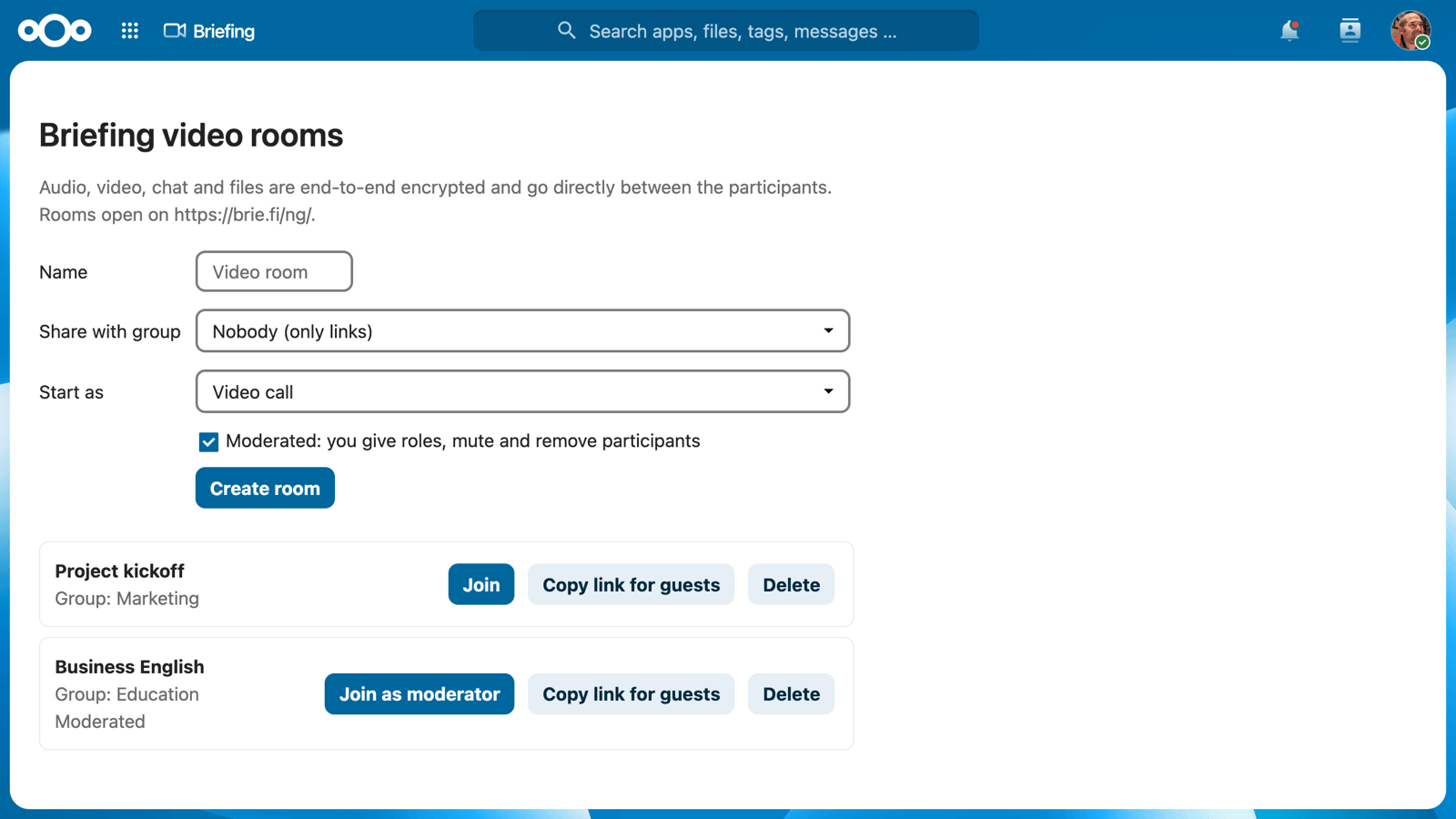
- Open Briefing in the app menu of your Nextcloud and create a room. It is moderated by default, and you can share it with one of your groups.
- Join as moderator with Join as moderator, or use Copy link for guests for people outside your Nextcloud.
- Members of the group see the room in their list and join as participants with Join.
The call itself opens in the browser, just like any other Briefing room. Everything from the help applies there as well.
Installation
An administrator of the Nextcloud installs the app from the App Store: under Apps, search for “Briefing” and click Download and enable. From then on, Briefing appears in the app menu of every user.
The Briefing instance is chosen under Administration settings > Additional settings > Briefing. Leave the field empty for the official instance https://brie.fi/ng/, or enter the address of your own installation including its room path, for example https://meet.example.org/. How to run Briefing yourself is described in the help for operators.
Moderation on your own server
Moderator rights need the moderation plugin of Briefing. On an instance without it, the moderator link opens the room as a normal participant, and the room works as an ordinary room with a secret.
Your data
The app stores per room only its name, owner, group and the parts of the link. It sends nothing about your users to Briefing, the link simply opens in the browser. The secret of the room travels in the part of the address after the #, which browsers never send to a server.
That means the Nextcloud holds the keys of its rooms. Whoever runs the Nextcloud is trusted with them, just as with files, calendars and messages. Rooms of a deleted user are deleted with them.
Questions and feedback
Something does not work, or you are missing a feature? Write to us via support.